Cryptogram Maker
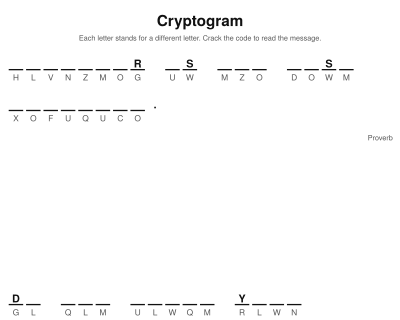
Type any message and the page turns it into a printable cryptogram with an answer key.
- New puzzle every time
- Answer key included
- Letter and A4
- Free PDF
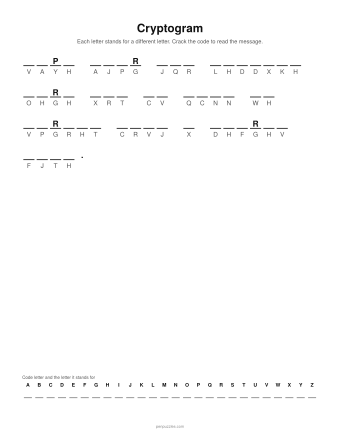
How to make a cryptogram
- Type your message in the box. A sentence or two is ideal.
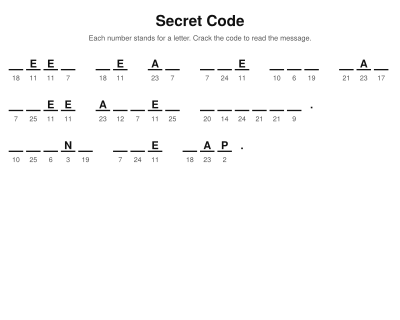
- Choose letters or numbers for the code.
- Decide how many letters to give away as hints.
- Press New puzzle for a different code, then print.
Longer messages are easier to solve because they give more clues. A message under 40 letters can be very hard without hints.
Ideas
A memory verse, a quote for the week, a birthday message, a clue in a treasure hunt, a vocabulary definition, or a note in a lunch box.
How to solve a cryptogram
In a cryptogram every letter of the message has been swapped for another, and the same swap is used all the way through. Start with one letter words, which are almost always A or I. Look for common short words such as THE, AND and OF, and for a letter after an apostrophe, usually S or T. The most frequent letter in English is E. Each letter you crack goes into the table at the bottom and into every place it appears.
What you can change
- Title
- Your message
- Code style
- Letters given as hints
- Paper size
- Different puzzles to print
- Add the answer key
The preview updates as you go. When it looks right, press Download PDF or Print.
Common questions
Is my message uploaded?
No. The puzzle is made in your browser and the message stays on your device.
How long can the message be?
About 200 letters fits comfortably on one page. Longer messages are trimmed to fit.
How do I save it as a PDF?
Press Download PDF. The file is made in your browser in about a second and saved to your downloads folder.
Is this free to use?
Yes. Print as many copies as you like for home, a classroom, a care home, a church group or a club newsletter. Please do not sell the puzzles.
Last reviewed November 2026. Trouble printing? See printing help.